Wahida Audio · Morphing Filter

Finish the sound while the feeling is still there.

Shape, move, route, colour, and finish in one instrument - so less of your session disappears into setup and more of it becomes music.

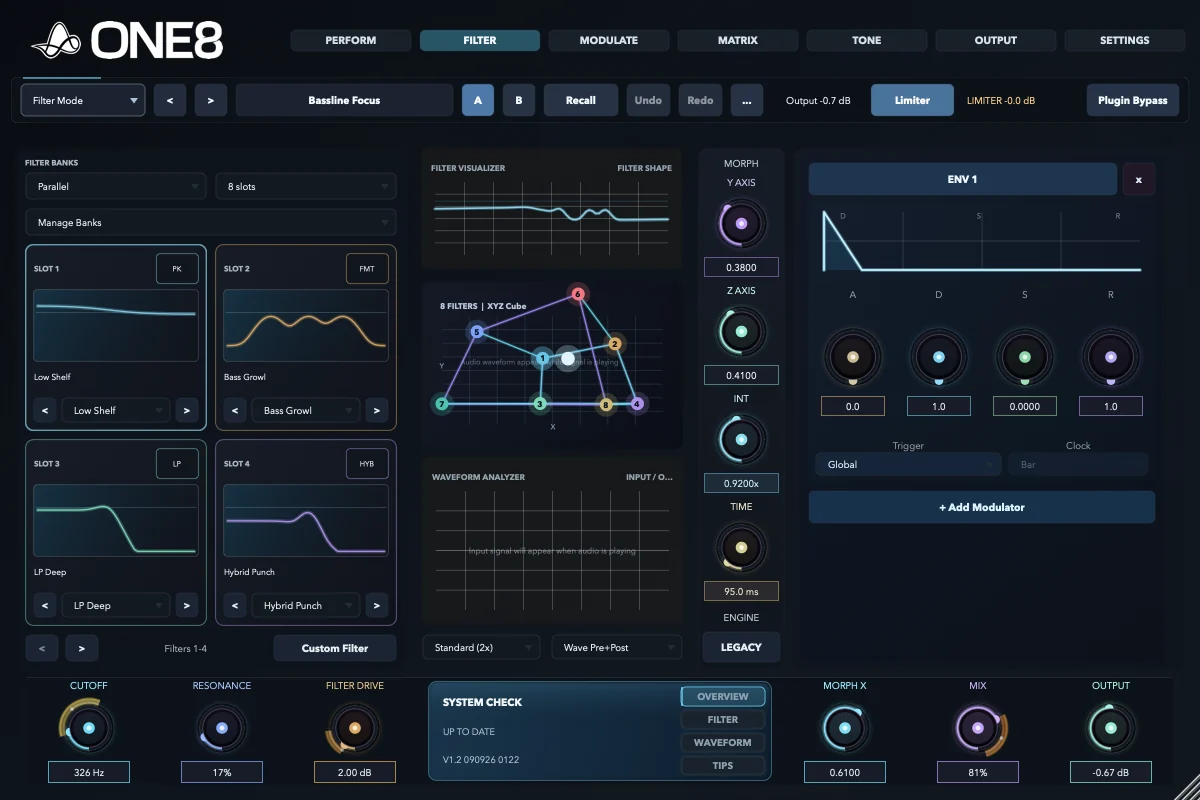
ONE8 Filter page running an active eight-state Bassline Focus patch with complex morphing and modulation
ONE8 · Eight filter states moving as one instrument Explore the instrument

Current releaseV1.2 300926 2108Full instrument trialApple Silicon macOS

Stay in the idea

Move the sound before the moment passes.

You should not have to stop writing to assemble filters, modulators, sidechains, saturation, stereo tools, and safety stages. ONE8 keeps them in one instrument, so you can follow the feeling while it is still there.

From feeling to control

Shape the emotion. Keep the flow.

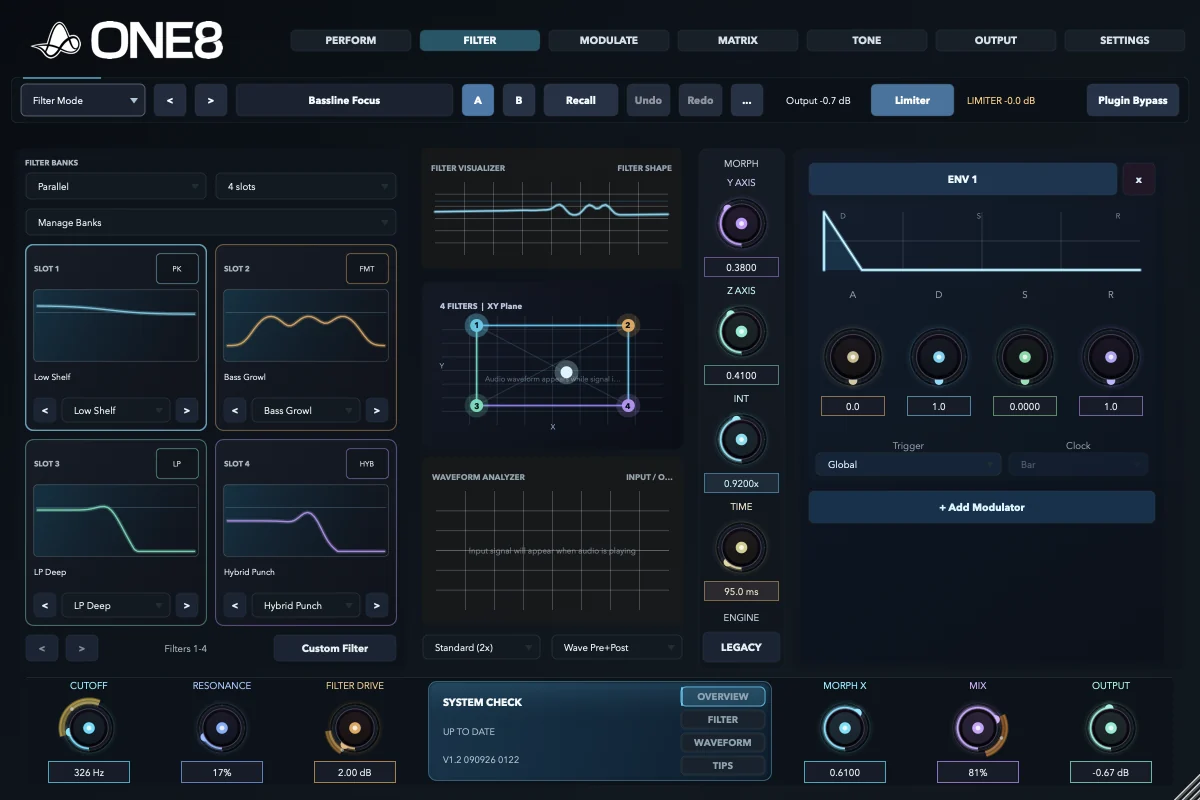
ONE8 four-state Filter page with contrasting active filter shapes

Find the tone

Give the track a sound worth following.

Move between contrasting filter states instead of pushing one cutoff up and down. The change feels dimensional, so a simple phrase can carry tension, weight, and release.

  • Turn held notes into hooks and phrases
  • Travel through 2, 4, or 8 designed filter states
  • Keep the main tone controls under your hand
Take the product tour
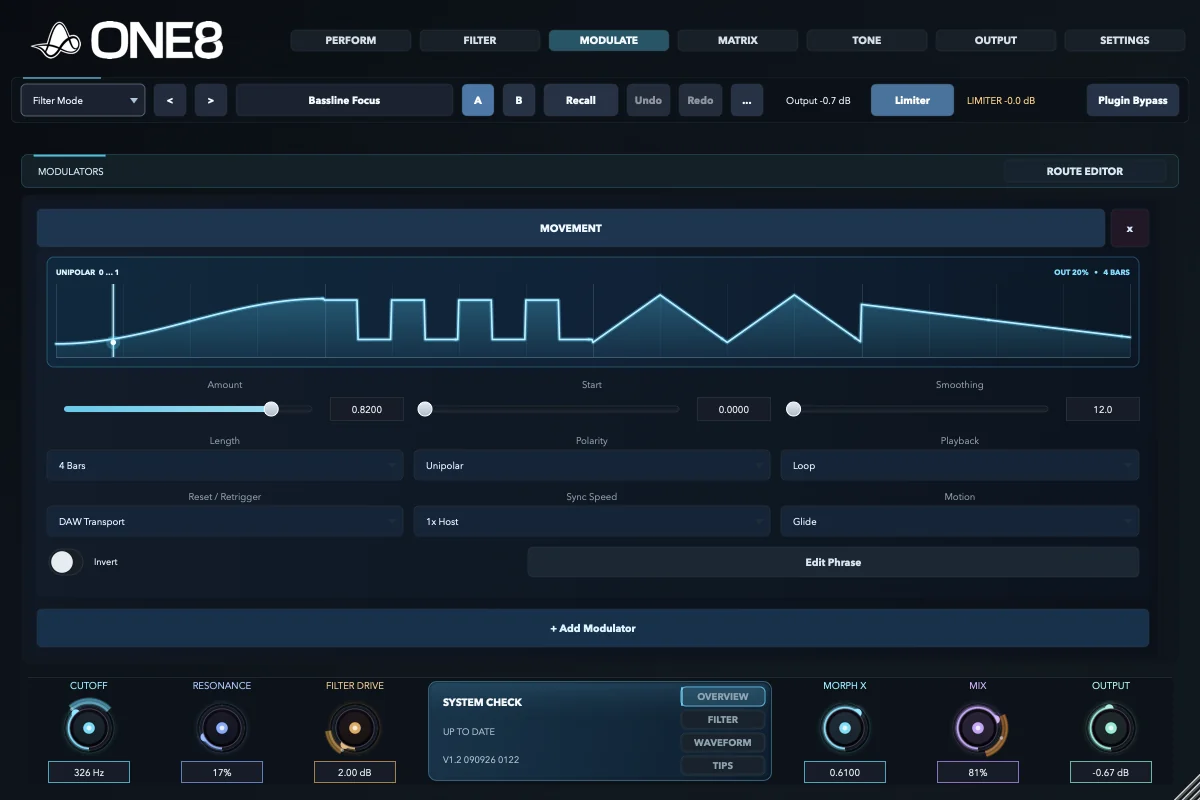
ONE8 Movement modulator drawing an active rhythmic phrase

Make it breathe

Let the movement belong to the music.

Draw a gesture, lock it to the phrase, or let drums and sidechain signals move the sound for you. The result reacts with the track instead of floating above it.

  • Create pulse, swing, swells, stutters, and recovery
  • Turn level and transients into musical motion
  • Shape a movement once, then perform it
Feature reference
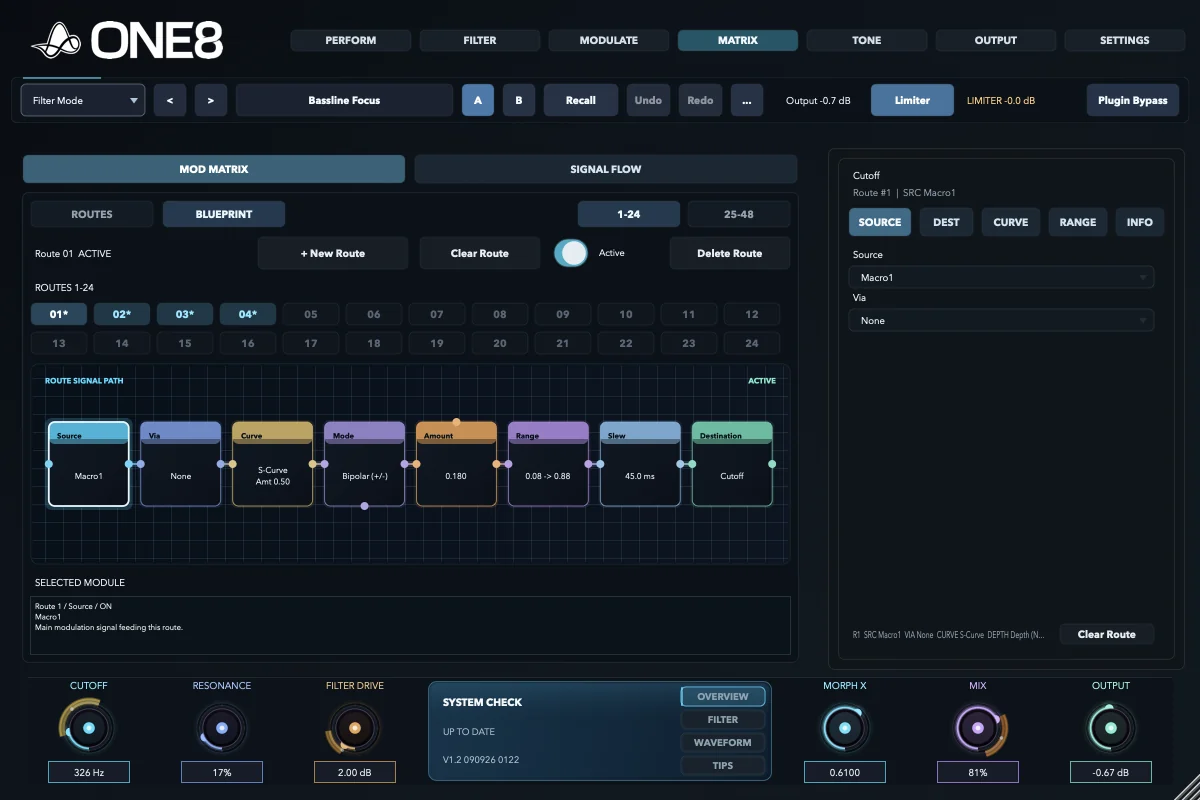
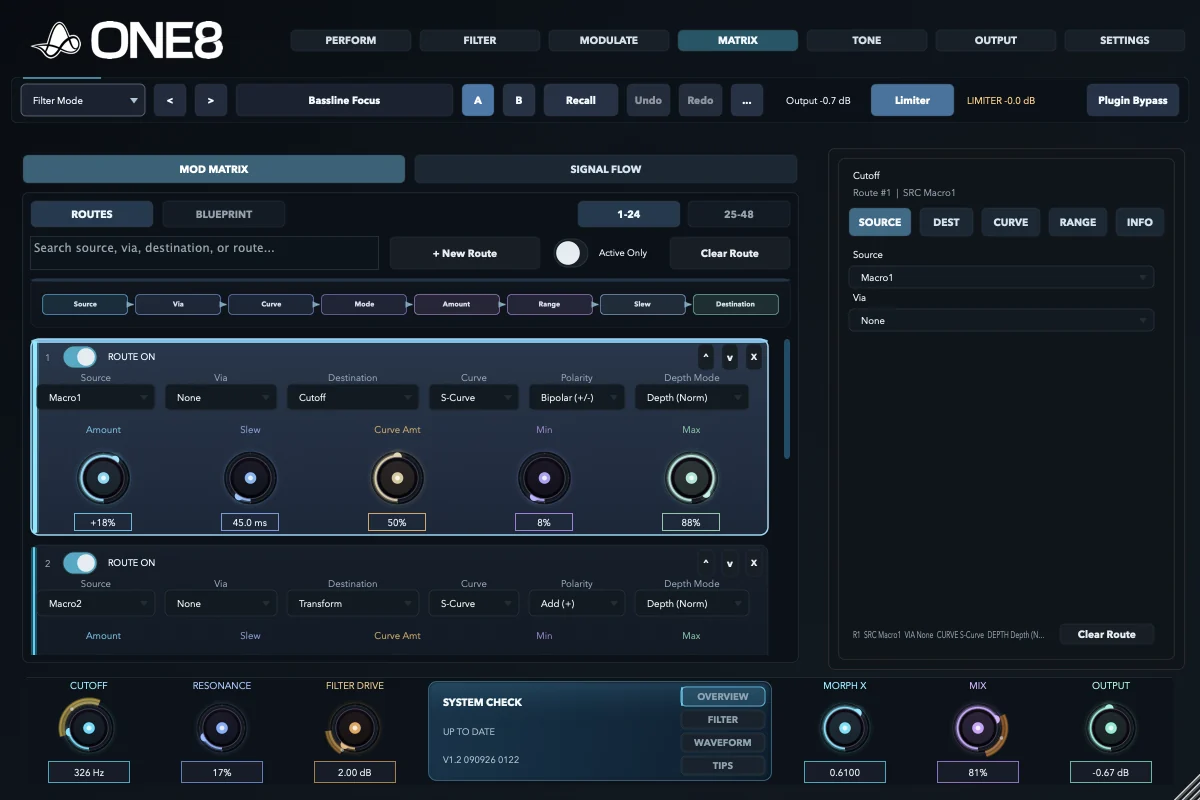
ONE8 Matrix Blueprint showing an active modulation route as a signal path

Stay in control

Go deep without losing the thread.

See where every movement starts, what it touches, and how far it can travel. Then bring the whole patch back to four macros you can actually play.

  • Keep all 48 routes visible and understandable
  • Read any assignment as a simple visual path
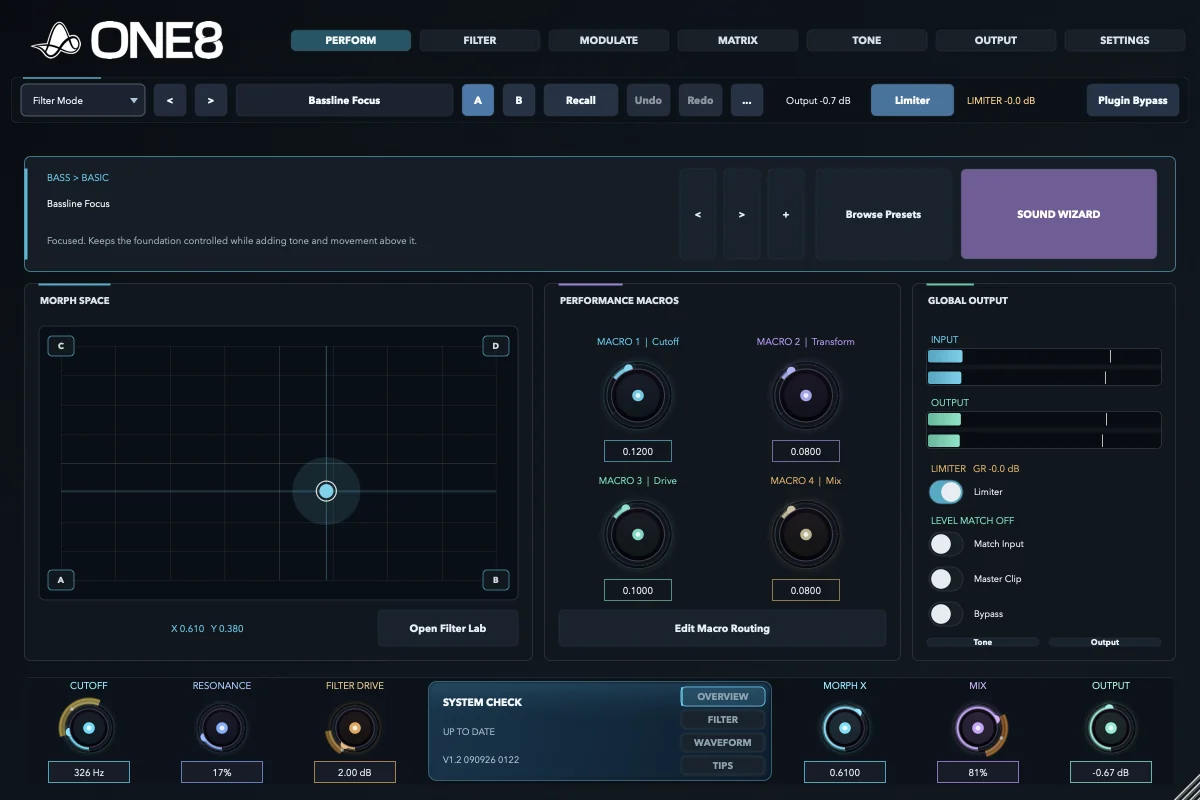
  • Turn a complex patch into four decisive moves
See the routing tools
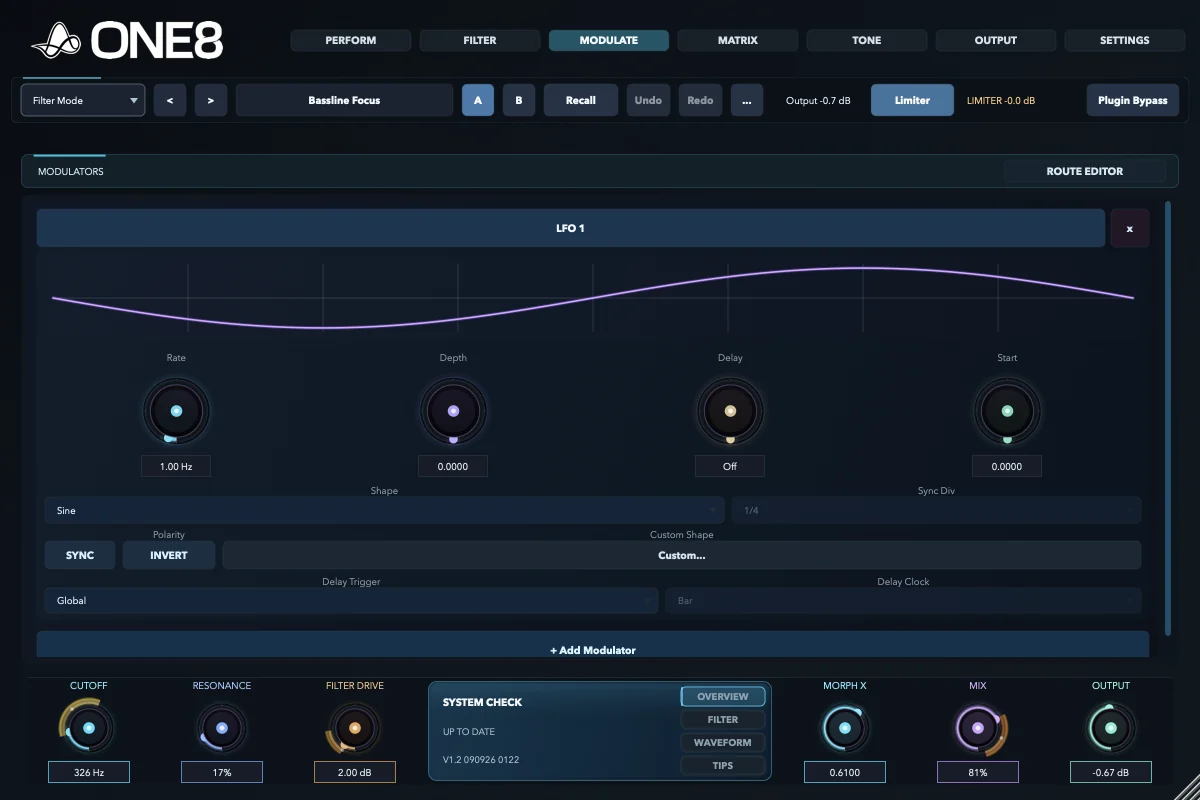
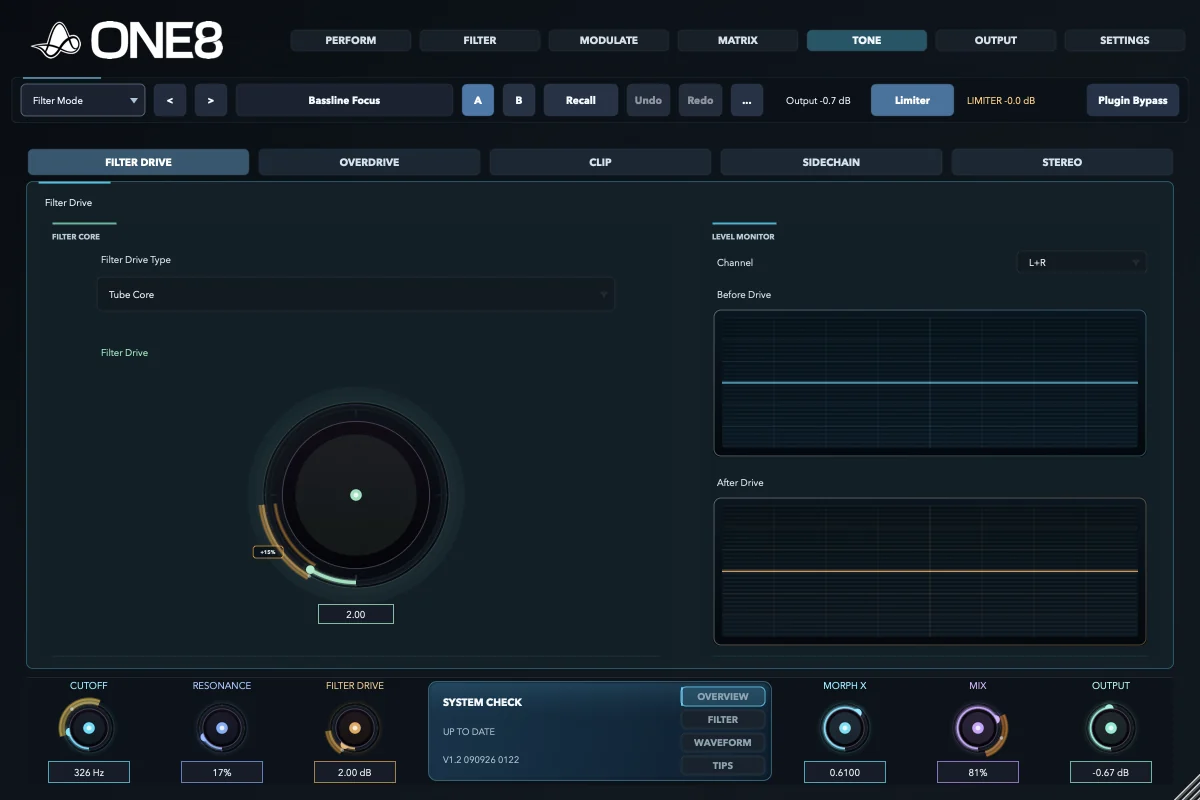
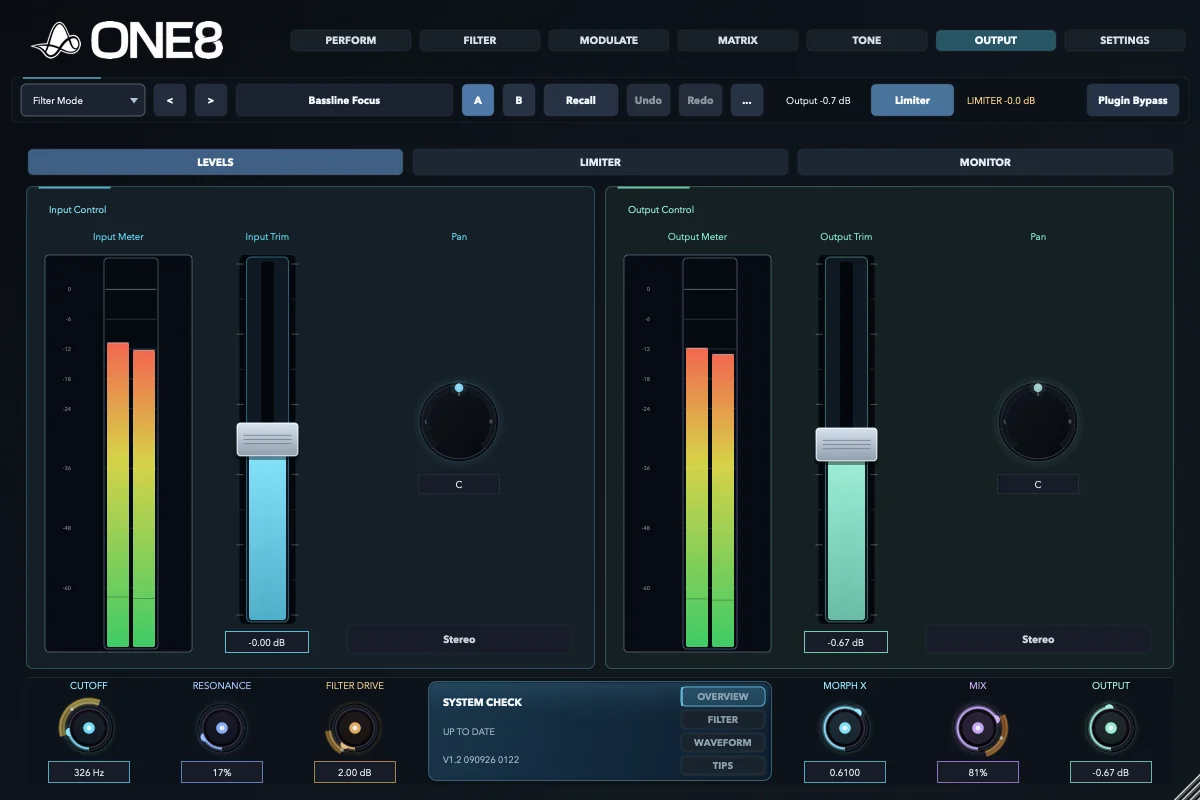
ONE8 LFO creating active tempo-synchronised movement ONE8 Tone page adding Tube Core filter drive ONE8 Output page with active meters and final level control

Feel · Modulate

From tension to release, in one gesture.

Build the motion, add weight and width, then keep the level steady enough to trust what you hear. You stay with the musical arc instead of stopping to manage the chain.

Save the setup

Spend the session making music, not rebuilding chains.

ONE8 keeps the creative decisions together, so you can hear an idea, shape it, and commit while the energy is still alive.

Stay inside ONE8

Keep the idea moving

  • Shape, movement, colour, and output stay connected
  • Turn deep sound design into a few playable gestures
  • Understand the patch when you return to it tomorrow
  • Make bold changes without chasing the level afterwards
Across a plugin chain

Where the time disappears

  • Build and reopen separate filters, LFOs, sidechains, and drive
  • Draw more automation every time the arrangement changes
  • Trace hidden routing before you can adjust the feeling
  • Rebalance the output after every creative decision

What it becomes

Hooks, pulse, movement, release.

ONE8 four-state filter patch combining shelf, growl, deep low-pass and punch shapes

A bass that speaks

Morph between weight, growl, bite, and space while the sub stays anchored.

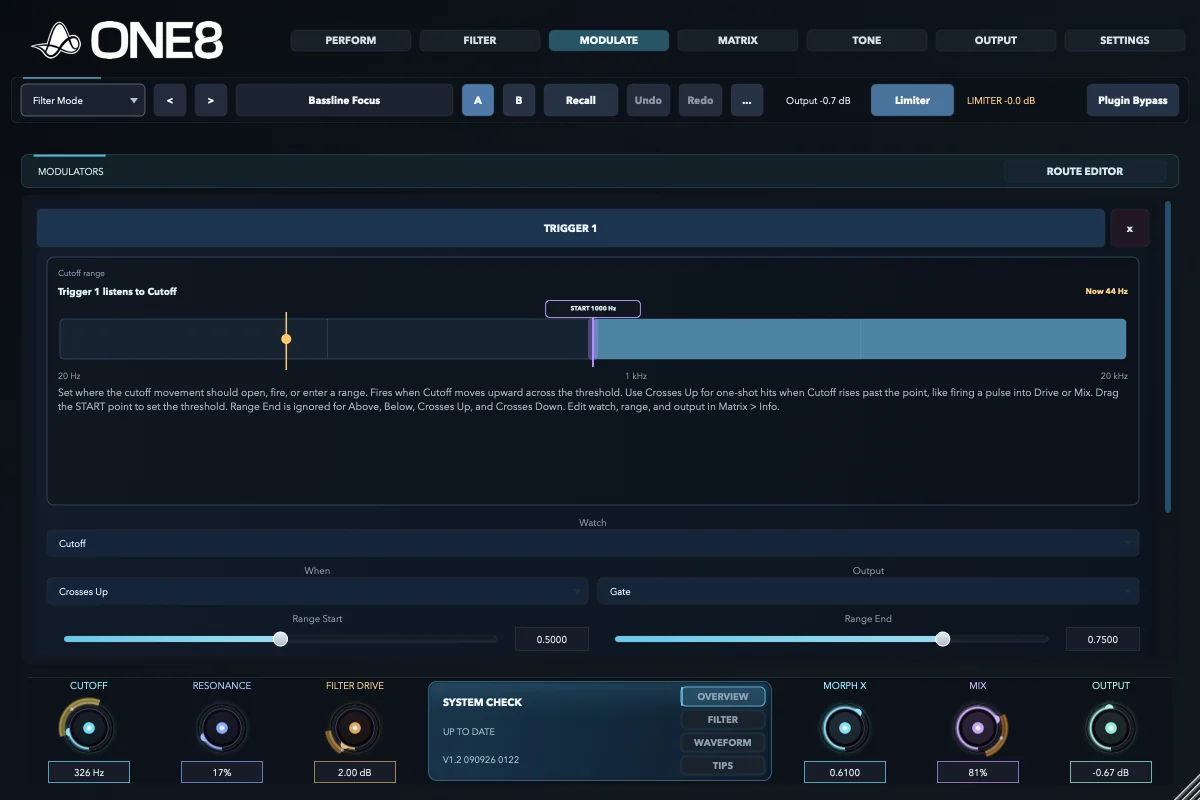
ONE8 Trigger modulator reacting to rhythmic audio

A groove that answers back

Let kicks, snares, and top loops open, push, or pull the filter in time with the track.

ONE8 Matrix with multiple active modulation routes

A texture that keeps breathing

Blend slow movement across tone, space, and character without drawing endless automation.

ONE8 Perform page with an expressive morph position and assigned macros

A transition you can perform

Pull several changes into one gesture, then land the drop without a level surprise.

A proper trial

Make something with it. Then decide.

We would rather you judge ONE8 inside a real session than through a cut-down demo. For seven days, every filter, modulator, route, and output tool is yours to use.

Start with the full instrument

Your next session

Find the movement that makes the track click.

Take the complete instrument into your own project. Turn the part that feels static into the hook, pulse, lift, or release the track has been waiting for.